

Benchtop Laser 60 fixtures
Fixture and clamp notes that pair with Benchtop Laser 60.
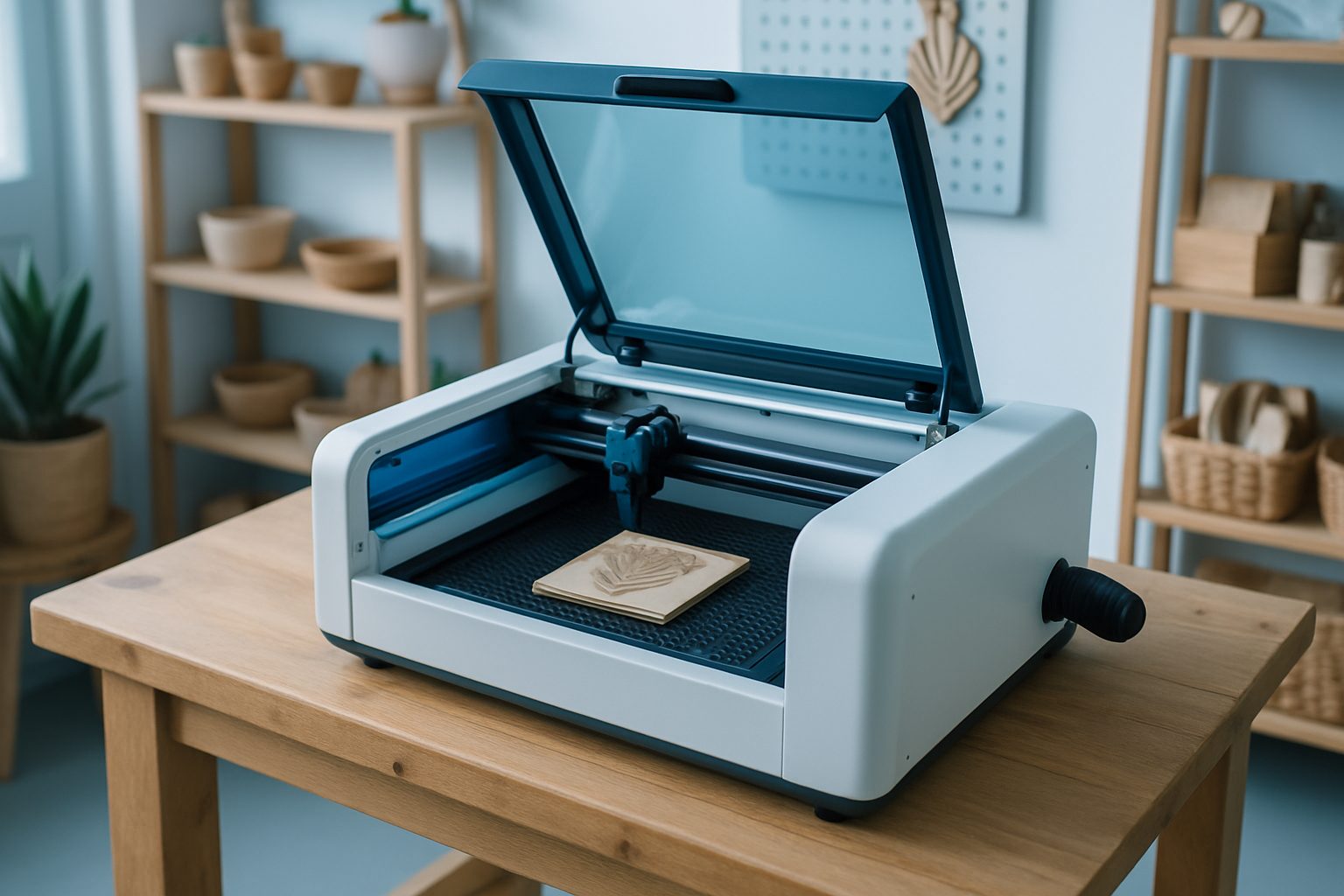
Browse materials, jaws, straps, and rotary kits.
- Flat fixture cues
- Rotary / clamp limits
- First-article photo notes
Also see toolpath notes and projects.
Common fixture setups for Benchtop Laser 60
The Benchtop Laser 60 earns its keep on small production runs, custom gifts and plate work. Most users start with the honeycomb tray for thin sheet, acrylic, wood, or card. The honeycomb works well for stopping back-burn on lighter materials. For acrylic jobs, leave the protective film on and use magnets or simple edge clamps to keep your sheet flat. When you need cleaner edges with less flashback, switch out the honeycomb for the knife-slotted bed. This reduces contact points and is better for thicker acrylic or timber cuts.
Batch jobs for badges or repeat plates are easier with a registration jig. We recommend an MDF or acrylic frame marked for your job card’s X and Y zeros. This keeps each blank in the same spot, saves material and helps bump through a stack with less measuring. For tumblers or glassware, swap in the rotary attachment. The Benchtop Laser 60 is usually paired with a roller rotary, which fits most drinking vessels, but double check the length and diameter range. Make sure your fixture never lifts the piece out of laser focus.
- Honeycomb tray for thin sheet
- Knife/slat bed for thick cuts
- Magnets or edge clamps
- MDF or acrylic registration jigs
- Roller rotary for bottles and tumblers
Setting up for repeatable batch work
A repeatable fixture starts with finding an origin point you can return to every time. Use the physical stops on the bed or a cut-out locator jig. If you are running plates or gifts, mark a corner on your jig as the zero position and match it to the laser’s home. Clamp or magnetise your workpiece down so it cannot shift under air assist or small knocks. If you are running multiples, cut a template in MDF or acrylic with pockets for each piece. This keeps even tricky shapes steady and in focus.
For rotary work, always test the rotation and check that your glass or tumbler is level and securely gripped. If you are doing engraving on round stock, a dry run with painter’s tape can catch misalignment before you waste a blank. Keep a fixture log with settings for each job, bed height, focus stick position, clamp types, so you can repeat jobs without trial and error.
- Set a fixed X/Y origin
- Use template jigs for batch runs
- Log settings for future jobs
- Test rotary alignment with tape
- Clamp or magnetise for security
Mistakes to avoid with Benchtop Laser 60 fixtures
The most common fixture mistake is relying on loose offcuts or trying to hold material down with only a hand. Air assist can shift light pieces halfway through a run. Always anchor sheets on at least two edges. Another trip-up is skipping a focus check after changing beds or jigs: an unfocused lens will look like low power and ruin engravings. Never clamp so tightly that you bow acrylic or MDF, warped material throws off focus and leaves uneven marks.
For repeat jobs, forgetting to log your jig’s placement or settings leads to wasted blanks and frustration. If using magnets, keep them clear of the laser path: steel can reflect and cause stray beams. Lastly, do not try to engrave materials that are not laser safe. PVC, vinyl, and polycarbonate are risky and damage the machine. If you are unsure, check the safety sheet or ask us through our contact form before you attempt new material.
- Secure materials at two edges minimum
- Check focus after bed or jig changes
- Do not over-tighten clamps
- Keep magnets out of beam path
- Log jig positions and settings
What our EngravCut Studio customers say
Verified Google reviews