

See support and enquiry pack. Use our contact form.
Also see toolpath notes and projects.
Routine care for your Benchtop Laser 60
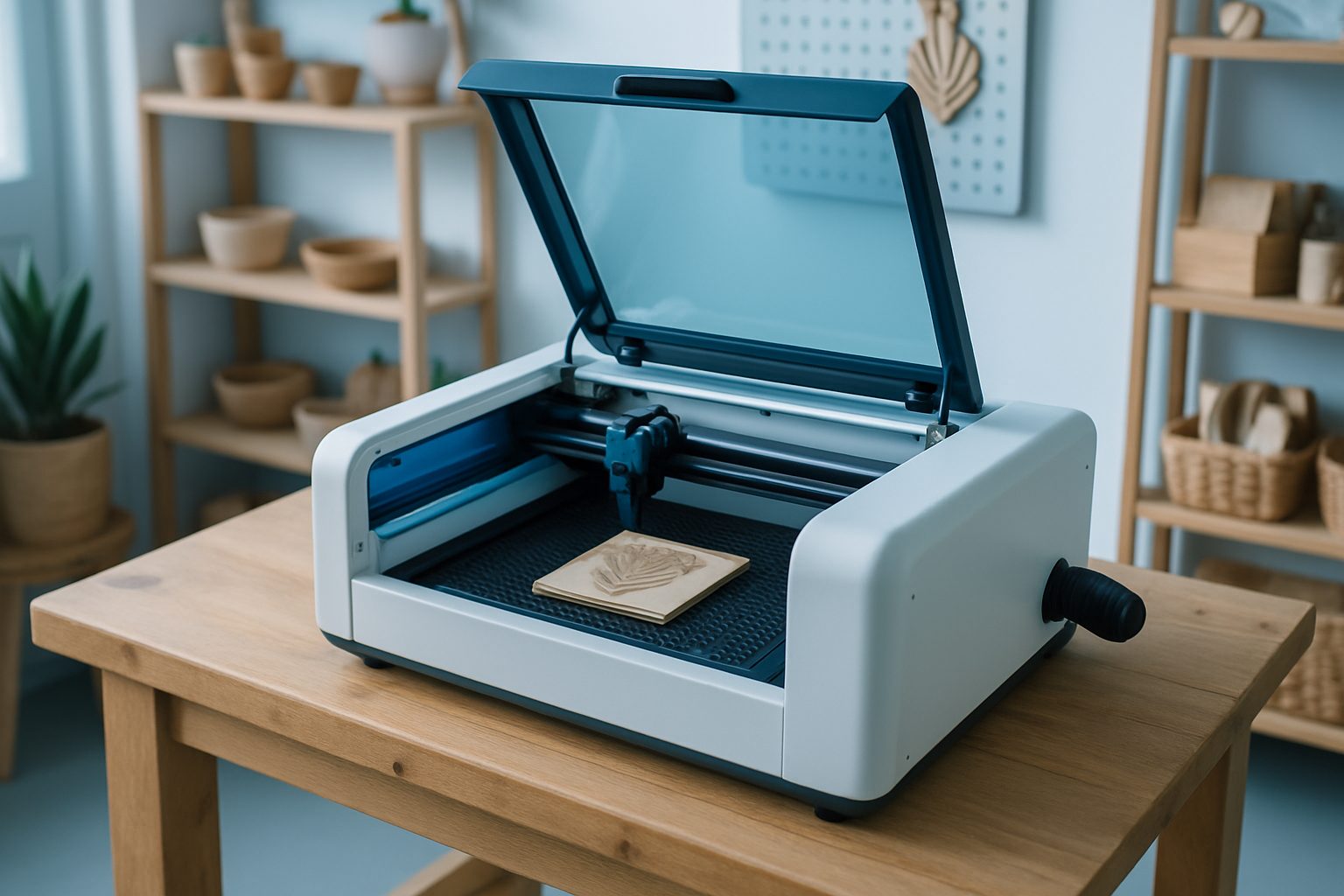
A Benchtop Laser 60 runs best with regular, straightforward checks. Start each job by confirming your lens and mirrors are clean, acrylic smoke and MDF dust collect quickly and will affect your engraving quality if left unchecked. Remove the lens and mirrors gently, wipe with lens tissue and approved cleaner, and refit without fingerprints. Water in the chiller must be distilled, changed regularly, and kept free of algae or debris. On cold Highveld nights, protect the chiller from frost. Check for kinks or bubbles in the water cooling lines.
Inspect the drive belts for fraying and proper tension. Belts that squeak or slip should be tensioned or replaced. The linear rails and bearing tracks need a wipe down to prevent dust build-up, especially after cutting MDF or plywood. The extraction system should vent outside, acrylic and MDF smoke is unpleasant and leaves residue. Clear the extraction fan and ducting of stray offcuts to keep airflow strong. Always check that the honeycomb or knife bed is free of small parts or scorched debris before loading new material.
- Clean lens and mirrors before first job and after heavy use
- Use distilled water in chiller, check often
- Inspect belts, rails, and cooling lines
- Clear extraction fan and ducting
- Keep bed clean of debris and offcuts
When your laser is not running as expected
If your Benchtop Laser 60 starts to lose engraving power, shows jagged cuts, or leaves smoke stains, check the basics before adjusting settings. Weak engraving is often caused by a dirty lens or a misaligned mirror, not a lack of power. If cuts are uneven or edges are burnt, confirm the material is flat, the air assist is on, and your focus is correct. Spitting, arcing, or unexplained power loss may point to a dirty or low water chiller, or loose wiring at the tube terminals.
A sharp drop in extraction performance or an acrid smell points to a blocked extraction path or a failing fan. Unusual noises, belt skipping, or a sudden loss of motion are usually mechanical: check belt tension and ensure the rail tracks are free of obstructions. If your material is leaving soot or strong odours, confirm you are not cutting anything forbidden like PVC or polycarbonate.
- Check lens and mirror cleanliness first
- Confirm focus height before changing settings
- Ensure air assist and extraction are working
- Look for mechanical issues if motion is jerky
- Never cut PVC, polycarbonate, or vinyl
How to get help from EngravCut Studio
If you need support with your Benchtop Laser 60, send us a message using our contact form. The more detail you share, the quicker we can help. Attach good photos showing the problem area and the whole machine. Tell us which material you are using, its thickness, and the settings you tried, power, speed, and focus height. Let us know what changed since the last successful job: new material, different artwork, or a machine move?
If you can, describe any noises, smells, or lights that appeared when the issue started. Information about your chiller status and extraction setup is useful. Our team in Sunnyrock or at a showroom will pick up your note and guide you through the next steps, often we spot the solution from your details alone.
- Use our contact form to send your message
- Include clear photos of the issue and machine
- List material type, thickness, and settings used
- Describe what changed before the problem
- Mention any warning lights, noises, or smells
What our EngravCut Studio customers say
Verified Google reviews